ScrollArea
Detailed Description
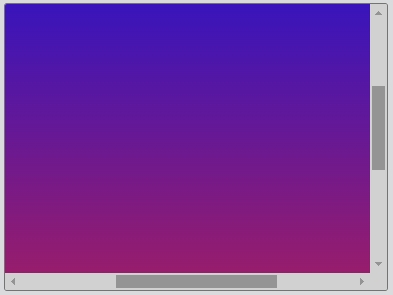
The ScrollArea class provides a scrolling view onto another widget. If the widget exceeds the size of the scroll area, the scroll area can provide scroll bars so that the entire area of the child widget can be viewed.
The scroll area can be scrolled with scrollTo(), scrollToTop() and scrollToBottom(). The default scrolling does not have animation effect, you can set the first parameter to determine whether the animation effect is enabled.
Example code
For example:
const desktop = Desktop.instance();
const scrollArea = new ScrollArea(desktop);
const widget = new Widget(scrollArea);
widget.css = { 'background': 'linear-gradient(to bottom, blue, red)' };
widget.size = new Size(500, 500);